


Table of Contents
Ready to work smarter, not harder? These five digital tools help automate daily operations, centralize collaboration, optimize financial tracking, and build a streamlined foundation for sustainable business growth.

There are two ways you can approach your enterprise workflows: let them operate in silos or use a business management tool.
Choosing the first one means you work around an undefined process: paper-based information, multiple spreadsheets, or email chains without context. Valuable data is buried across multiple systems, leading to chaos. Indeed, 20.4% of businesses fail in their first year, mostly due to operational issues.
However, business tools let you automate tasks, collaborate, and review data effortlessly. It's only a matter of time until you find the right digital tools and gain a competitive advantage in 2026.
We've gathered 5 unique tools for businesses that will help you streamline operations and drive higher ROI.
How Operations Tools Put Your Business in the Forefront
As a small business owner, you juggle multiple processes, often without support. Now, what happens when you add operational aspects to your to-do list? You'll likely be overworked.
This is where business management tools help you thrive instead of merely surviving.
What are Digital Tools and How Do They Help You Build Authority?
A digital tool is any software application that helps you smooth out your business operations. And there's software for every business function. If you need to track finances, use Invoicera. Do you need to automate scheduling? Calendly can help.
Beyond saving time, these apps also improve your brand authority. When customers receive consistent high-quality service, your brand automatically becomes reliable. In a way, you don't have to go out of your way to build brand authority. You just need to use the right operations tools to retain customer loyalty.
How Professional Business Tools Influence Client Retention?
From using chatbots to 2-factor authentication, business tools reduce customer retention through:
- Steady communication: Business tools help you automate renewal reminders, birthdays, and check-ins, giving customers the importance they deserve.
- Faster responses: These tools act as a single customer data platform where you can easily respond to customer concerns on the go.
- Personalized interactions: These tools can track customers’ preferences, and you can tailor your marketing strategies accordingly.
- Consistency across touchpoints: Instead of toggling platforms, you'll guide users through uniform messaging across channels.
Once you build systems to handle the tricky parts of your business, your retention and conversion rates naturally increase.
From Manual to AI-driven Ecosystems: The Evolution of Operations Tool Stack
The earliest businesses survived on human labor, which was error-prone, yet provided basic efficiency. Later, the industrial revolution brought mechanization and automation. Currently, businesses use augmented human logic to speed up their processes.
Below you'll see how operations have evolved over time:
- Pre-1980s: Manual labor and paper-based operations.
- Early 2000's: Systems and automations for uniform processes.
- 2000-2010: Rapid digitization with centralized reporting features.
- 2010's: Modern data stack with cloud-native infrastructure.
- 2025+: Intelligent AI-driven operations.
Successful companies are the ones that understand how to implement business management tools to increase efficiency.
6 Digital Tools to Improve Business Efficiency in 2026
When your workflows are easy to share, team communication drastically improves. Think of the times you went through multiple applications to pull up a customer review. The process was confusing and took more time.
Now, what if your customer reviews and service information lived on a dedicated platform? This is the kind of functionality that tools for businesses provide.
We have assembled 5 unique applications with minimal setup requirements and feature-rich use cases to help you pick the right one for your business.
1. PDFAid – Professional Document Lifecycle Management
Overview
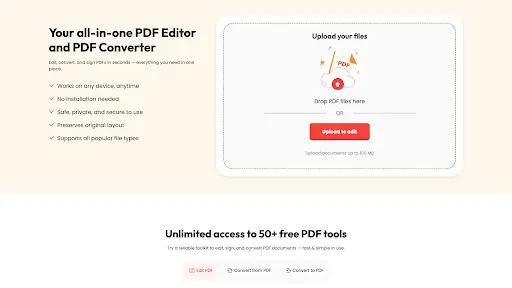
As a secure and high-speed document handling portal, PDFAid takes care of everything PDF-related. Users can manage PDFs and compress or merge files through the PDF editor. Additionally, you can use the PDF converter to change about 300 file formats.
Why it's Needed?
Professionals send and receive documents all the time. Whether you need to edit PDF, merge reports, or split invoices, PDF documents are the way.
Practical Use Case
With the convert PDF option, you can turn a static contract into an interactive document. Which you can then send across to clients to sign.
2. Trello – Seamless Team Workflow and Task Organization
Overview
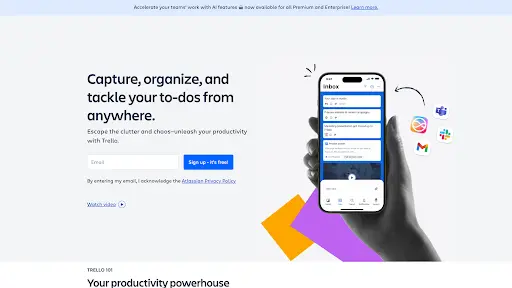
Trello is a simple business management tool for organizing projects. The boards store all the tasks, making it easy to follow up with the internal teams.
Why it's Needed?
The AI feature is handy for teams handling multiple tasks. It can turn your emails into to-do lists as soon as you send them to the Trello inbox.
Practical Use Case
Trello shines in the 'Client onboarding' area, helping you track from the initial meeting to the final delivery stages.
3. Calendly: Automated Meeting Scheduling for Better Time Management

Overview
Calendly is one of the proficient digital tools for business with over 20 million users. Regardless of your company size, you can easily automate meetings based on real-time availability.
Why it's Needed?
With Calendly, you no longer need to send email confirmations about your meeting time. The platform lets the user (you) and your client pick a mutually convenient time.
Practical Use Case
Simply add your availability, customize events, and share the link with people. Your prospects can then pick a preferred time.
4. Invoicera — Clear Financial Tracking and Automated Billing
Overview
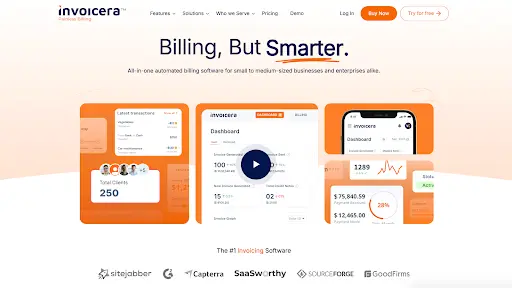
If you have an automated billing system in place, then Invoicera happens to be one of the finest tools you can use. It allows you to personalize invoices, automate them, and track them.
Why it's Needed?
Every business needs to track its finances to reduce uncertainties and future-proof systems. This is where Invoicera is the strongest: it lets you navigate client relationships and finances for better scalability.
Practical Use Case
Invoicera allows you to set up recurring invoices for long-term retainers. This way, you don't have to manually bill clients each month.
5. Loom – Video Messaging for Asynchronous Team Communication
Overview
Loom is a one-click video recording app for personalized interactions. Forget lengthy meetings, this app allows you to edit videos and share them anywhere.
Why it's Needed?
This app is a great way to share more about your company and engage prospects. It lets you demonstrate your personality without having to be available in real time.
Practical Use Case
Loom users can quickly put together a project walkthrough or explain key strategies to a client. The 'Viewer' information is an added advantage to understand how people perceive your brand.
6.PDFFly – Free PDF Converter and Document Management Tool
Overview
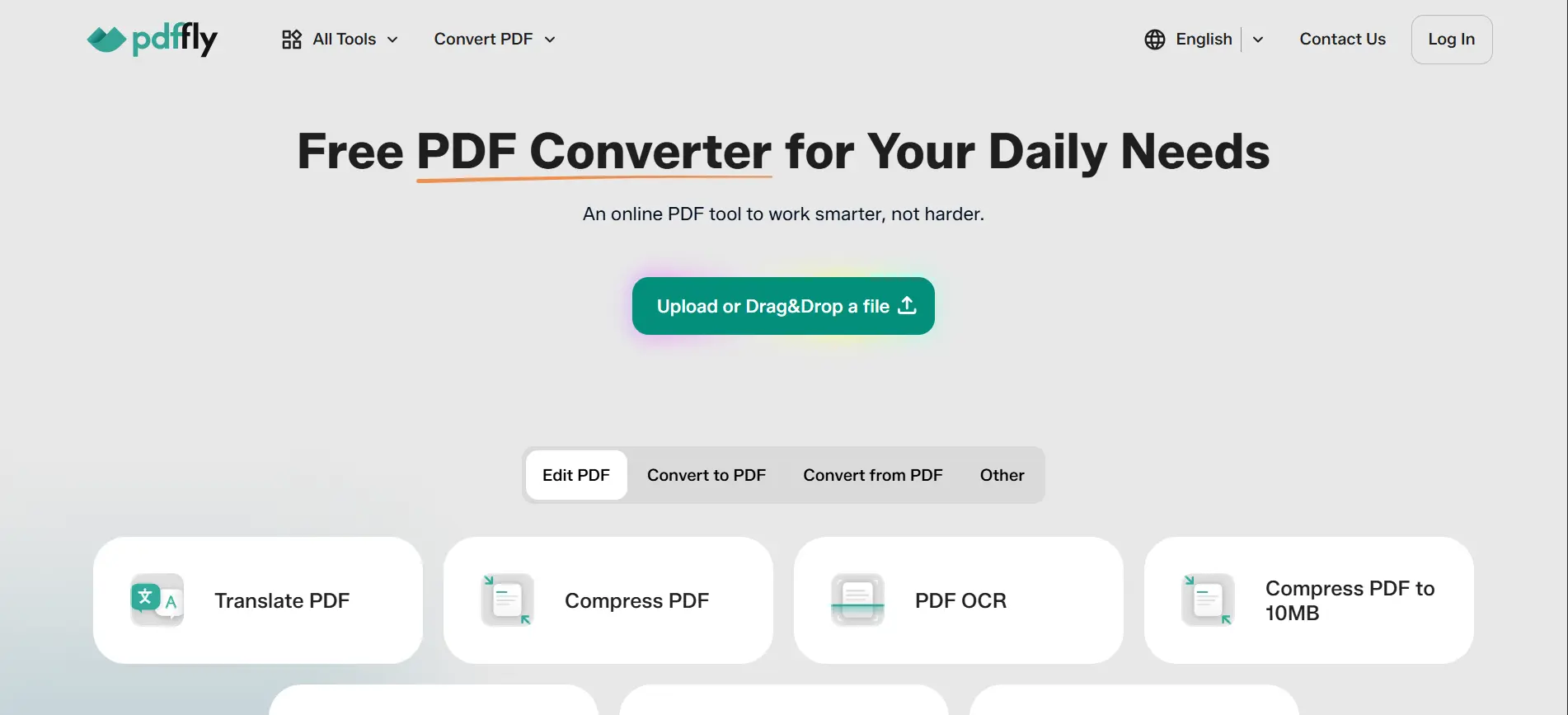
PDFFly is a free, browser-based tool trusted by over 6 million users worldwide. It covers converting to PDF or from PDF across all major formats — and goes further with OCR, compression, translation, summarization, watermark removal, and image enhancement.
Why it's Needed?
Document work tends to snowball. Rather than jumping between apps every time a file needs attention, PDFFly covers the whole chain in one place, with no software to set up.
Practical Use Case
PDFFly users can convert documents, compress them for email, run OCR on scanned pages, translate content, and summarize lengthy reports. The watermark remover and image enhancer round out the toolkit, though the list doesn't stop there.
The Ins and Outs of Strategically Managing a Tech Stack
As your business scales, you could soon find yourself purchasing more digital tool subscriptions. And these tools will start to fight for attention, leading to a chaotic business structure.
It's crucial to optimize your tech stack at this time. As Liz Herbert, VP at Forrester, said, "Your tech stack is a corporate asset that requires governance and refinement."
Avoiding the "Tool Fatigue" Phase: When to Cut Down on Tools
Growing a company does not mean you have to be on different platforms at once. Otherwise called ''Tool Fatigue," using too many apps can do more harm than good.
If you're currently in this phase, follow these tips:
- Understand the signs: If you find yourself constantly switching between apps, it's time to pause.
- Identify the cause: Consider if the tools fit in your strategy. Or if your teams are just fascinated by their feature sets. When each team uses a different tool, it means there's no standard process.
- Have rules: You can prevent tool fatigue by asking yourself: What problems does each tool solve? Do these tools strengthen the overall marketing strategy?
Data Interoperability: Do the Tools Support Each Other?
Think about whether your tools complement each other. Does your invoicing software connect with your CRM? If your answer is no, your tech stack is not fully functional yet.
The best way is to designate one tool for each type of business function. For example, track project status only in the project management tool. Or customer data in the CRM. This way, everyone on the team knows where to find the relevant information.
Future Proofing: Choosing the Right Digital Tools for Business Growth
Most companies underestimate their tech stack choices. The tools you choose today can either help you grow or disrupt your workflows in the future.
Questions you should ask yourself when narrowing down options:
- Can the current tools handle 10x more volume?
- How do tools perform under high-volume input?
- Do the tools provide advanced features or customization options?
- How does the pricing scale as your business grows?
Select the Right Tools and Build an Efficient Technology Bundle
Functional business growth happens when you connect existing systems together. Disconnected tools often drain resources, create friction between teams, and stunt growth.
The tools mentioned above support different business areas. From building a comprehensive document using a PDF editor to enjoying invoicing, you can get more done in less time.
As you add more apps to your tech stack, audit them regularly. This helps you focus on the most functional ones. In the end, adapting to the latest technology does not mean using more tools. It means using the right ones and ensuring they're aligned with each other.
FAQs
Most companies fail to define their goals and rely on digital tools to fix business gaps.
For a functional tool stack, we recommend a review every six months.
Tools such as PDFAId, Trello, Invoicera, and Calendly allow business owners to manage processes digitally.
Ask the following questions to understand if a specific digital tool is helping your business:
- How many hours per week has this tool saved?
- Has ROI increased after using this tool?
- Did the tool reduce bottlenecks?
- Does the tool integrate with your existing systems?
- Is your team happy with using this tool?
- Has this tool improved customer response time or conversions?


Head Of Digital Marketing
Recent Blogs


Elia Martell
5 Virtual Recruiting Support Operations for Tech and Healthcare Teams
-

09 Oct 2026
-

8 Min
-

467

Jane Hart
Why LinkedIn Campaign Optimization Requires More Than CPC and CTR
-
09 Oct 2026
-
8 Min
-
153

Jane Hart
How to Vet an Offshore SEO Partner: A Due-Diligence Checklist for Agencies and Brands
-
08 Oct 2026
-
8 Min
-
253

Jane Hart
Benchmarking GPU Providers: A Practical Guide to Comparing Cloud Compute Options
-
07 Oct 2026
-
6 Min
-
173
