


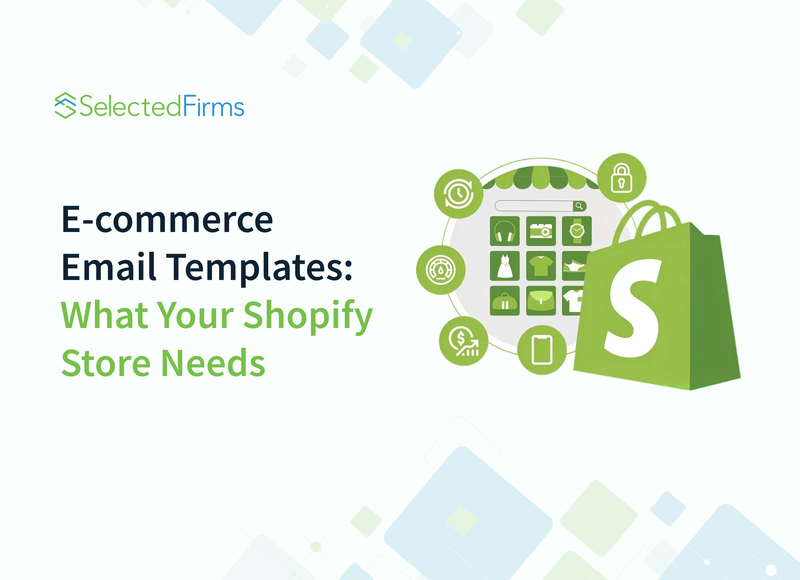
E-commerce Email Templates: What Your Shopify Store Needs
-
Last Updated:

30 Oct 2026
-
Read Time:

6 Min Read
-
Written By:
 Elia Martell
-
19
Table of Contents
Build a practical Shopify email template library for every stage of the customer journey, from welcoming new subscribers to confirming orders, recovering carts, and bringing customers back.
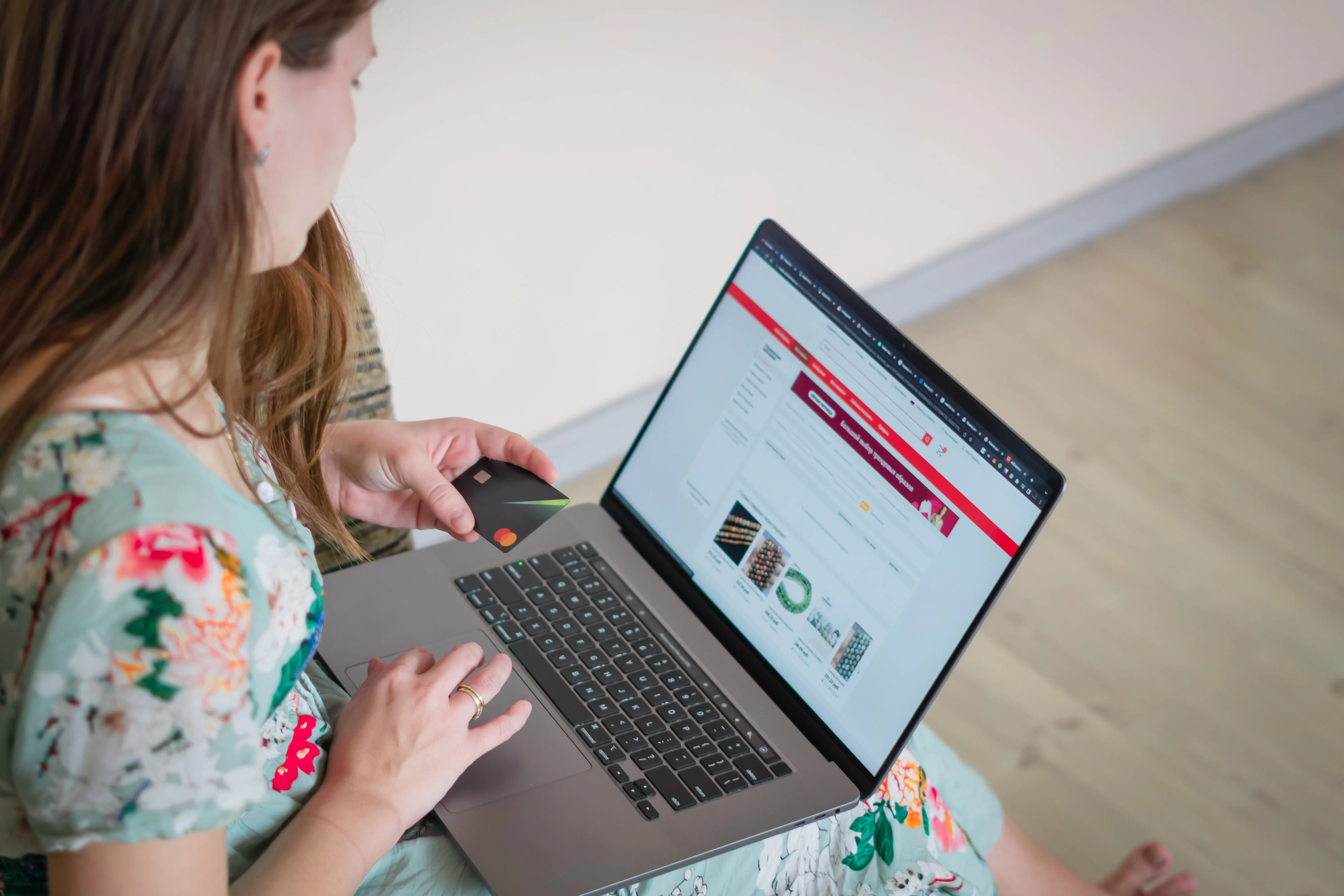
Someone orders a jacket from your Shopify store. The payment succeeds, but the confirmation email arrives without a clear order summary or delivery information. The customer has to return to your website to figure out what happens next.
That's a missed opportunity to make shopping easier.
A good ecommerce email template library covers more than just promotions. They welcome subscribers, follow up on abandoned carts, confirm orders, and keep customers informed after checkout. Each email has a specific purpose, and its design should reflect that.
For Shopify store owners, building a small, reusable email template library is a sensible place to start.
1. Common Email Templates Every Shopify Store Needs
Your first email library should cover the main stages of the customer journey. Designing elaborate campaigns while basic order updates remain confusing adds little value.
|
Template |
Purpose |
Trigger |
|
Welcome |
Introduce the brand and encourage browsing |
New subscriber signs up |
|
Abandoned cart |
Help shoppers resume an unfinished purchase |
Eligible abandoned cart or checkout |
|
Order confirmation |
Confirm purchase details |
Customer places an order |
|
Shipping update |
Share fulfilment and tracking information |
Order is fulfilled or shipped |
|
Back in stock |
Notify customers about available products |
Requested item is restocked |
|
Review request |
Collect product feedback |
Suitable period after delivery |
|
Win-back |
Reconnect with inactive customers |
Defined period without purchasing |
|
BFCM promotion |
Announce seasonal offers |
Scheduled Black Friday/Cyber Monday campaign |
Welcome and abandoned cart emails
Welcome emails should introduce your store without overwhelming new subscribers. Highlight a few relevant collections, explain how your products help, and offer a clear next step.
Abandoned cart emails need a different approach. Show the products left behind, include accurate product information, and provide a direct return link.
Don't assume every abandoned checkout needs a discount. Sometimes customers just want to confirm delivery costs or come back later.
Post-purchase and retention emails
Order and shipping emails should prioritise information. Customers need to know what they bought, how much they paid, and where to track delivery.
Back-in-stock notifications work best when they show the exact product or variant requested.
Send review requests after customers have had time to use their purchases. Win-back emails need more thoughtful timing: someone who buys coffee monthly behaves differently from someone who buys furniture.
For BFCM campaigns, make the actual offer visible and explain any restrictions. An attractive banner cannot compensate for unclear discount conditions.
 ?
?
2. Transactional vs. Marketing Emails in Shopify
Not all Shopify email templates are created or managed in the same place.
Transactional emails, including order confirmations and shipping updates, generally live in Shopify's notification settings. Their templates use HTML and Liquid to display information such as order numbers, purchased items, and customer details.
Shopify's email marketing tools or a connected email service provider (ESP) handle marketing campaigns.
The right workflow depends on whether you're creating an automated store notification or a marketing campaign.
For example, an order confirmation email template must pull accurate order information. A promotional newsletter, meanwhile, may feature selected products, campaign-specific copy, and audience segmentation.
Shopify lets you customise templates with supported HTML and Liquid, but Shopify Email doesn't let you import complete external HTML templates directly. Plan your workflow around the sending platform's requirements.
Transactional messages also have different requirements from promotional emails. Don't add unnecessary marketing content that makes essential purchase information harder to find.
We discuss how store experience affects purchasing decisions in our guide to increasing Shopify sales.
3. What Makes an Email Template Work?
Customers rarely notice a well-organised email layout. They notice when something is difficult to read, or a button doesn't work.
Start with a mobile-first, single-column structure. Keep headlines short, use readable typography, and make buttons comfortable to tap.
Product cards should include recognisable images, product names, accurate prices where relevant, and clear links. Avoid squeezing too many products into one message.
Dynamic fields are equally important. Customer names, order numbers, product variants, and shipping information should populate automatically where supported.
Always test missing or unusually long values. A customer name or product title can easily disrupt a carefully arranged layout.
Add meaningful alt text to informative images and keep essential information as readable HTML text rather than embedding everything inside graphics.
Marketing email footers should include appropriate sender details and a functioning unsubscribe link. Transactional notifications follow different rules, so review their requirements separately.
Consistent email branding also complements good website design. SelectedFirms covers related usability principles in its Shopify store design guide.

4. Build Once, Reuse Across Campaigns
Picture preparing a Black Friday campaign. Your team needs promotional banners, product cards, buttons, and shipping information across several emails.
If every campaign starts from scratch, small updates become repetitive work.
A reusable template system solves much of that problem.
Create approved building blocks for headers, product sections, CTA buttons, and footers. Document your brand colors, typography, image sizes, and spacing rules.
An HTML email editor helps teams build these reusable components and maintain consistent designs across campaigns.
The finished templates still need to meet the sending system's requirements. For Shopify Email, that may mean recreating a design with supported sections or custom Liquid instead of uploading an external HTML file.
Agencies working with multiple Shopify stores can maintain separate component libraries for each client. This keeps branding consistent while allowing seasonal campaigns to look different.
The benefit becomes obvious when prices, product ranges, or promotional conditions change. Teams can update established layouts instead of rebuilding familiar elements.
5. Test Before You Send
A template that looks correct in an editor may display differently in Gmail, Outlook, or a mobile inbox.
Before launching, check how the email renders on desktop and mobile. Also test dark mode, since automatic color adjustments can make logos or buttons hard to see.
Check image compression, links, personalized fields, and product information.
For transactional notifications, use realistic test orders. Include discounted purchases, multiple products, long product names, and different shipping scenarios.
For marketing emails, preview and test the final email in the platform that will send it.

6. Measure Results by Template Type
Effective ecommerce email marketing requires more than checking whether an email was opened.
Evaluate each template against its intended outcome:
- Click-through rate (CTR): Shows whether recipients click links in the email.
- Conversion rate (CR): Measures the proportion completing a defined action, such as making a purchase.
- Average order value (AOV): Helps assess the value of campaign-attributed purchases.
- Revenue per recipient: Compares attributed revenue against the number of recipients.
Use consistent attribution windows and calculation methods when comparing campaigns.
A welcome email, abandoned checkout reminder, and seasonal promotion shouldn't automatically share the same performance expectations.
Discounts deserve particular attention. They can reward subscribers or support a specific promotion, but repeated offers may train customers to wait for lower prices.
For more ideas on planning campaigns, explore our email marketing strategies guide.
Shopify Email Template Checklist
Before publishing a new template, confirm the essentials:
- Each email has a clear purpose and sending trigger.
- Transactional and marketing messages use the appropriate Shopify workflow.
- Product cards display accurate information.
- Dynamic fields work with realistic customer data.
- Layouts are readable on mobile devices.
- Images include appropriate alt text.
- Test all buttons and links, and verify discount codes and offer conditions.
- Dark mode and major email clients are checked.
- Marketing emails include the required unsubscribe information.
- Measure results separately for each template type.
Start with emails your customers genuinely need, then expand the library as your store grows.
A useful template doesn't need complicated artwork or clever copy. It needs to provide the right information at the right moment, with a design customers can recognize and use.

Marketing Manager
Recent Blogs

Jane Hart
7 Costly Mistakes to Avoid When Outsourcing IoT Hardware Development
-
29 Oct 2026
-
6 Min
-

19

Jane Hart
React vs. Angular vs. Vue: Which Stack Should You Ask Your Agency to Use?
-
27 Oct 2026
-
13 Min
-
83
